
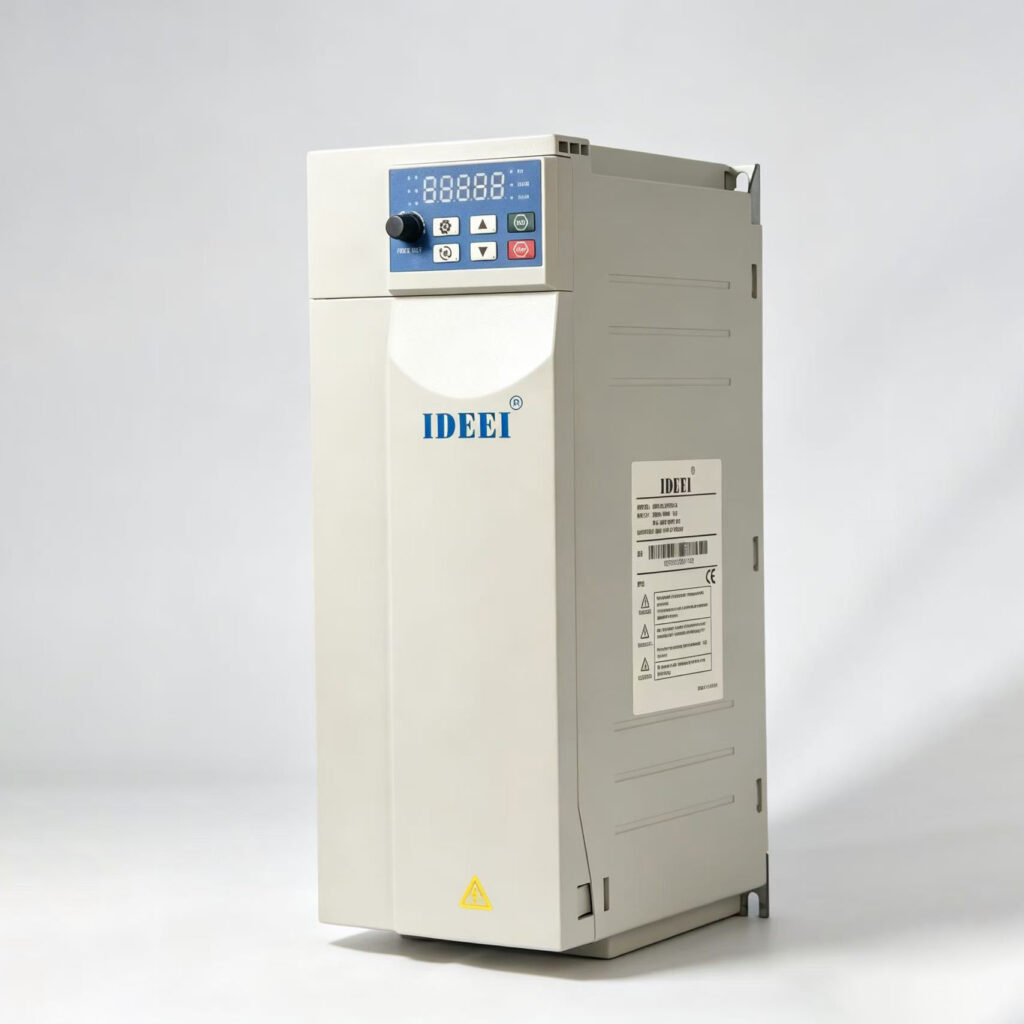
A solar pump controller can use one level signal to stop filling a full tank and another to protect a low well. The pump can resume when the tank calls for water, the well has recovered, and the configured start conditions are satisfied. Confirm that the exact drive supports both signals and their required contact logic.
What should each signal do?
| Condition | Required response |
|---|---|
| Tank reaches its upper level | Stop filling. Resume only after the tank requests water again. |
| Well falls below its safe level | Stop pumping, even if the tank is empty. Resume only after the well recovers and the configured delay allows it. |
| Both signals permit pumping | Run when the drive has a valid run command and usable power. |
Can a float connect directly to the drive?
Check whether the device provides a dry contact, a powered signal or a probe requiring a controller. Match that output to the drive input, including voltage, common terminal and the meaning of an open contact. Some projects need an interface relay. Confirm how the selected configuration responds to a broken wire and how it behaves after a power outage. A control input must not be used to carry motor current.
What to check before commissioning
Ask the installer to verify tank-full and well-low independently, then together. Confirm the stop takes priority and record the actual restart delay and levels. A tank that cycles too frequently may need a wider start–stop level band or an approved delay. Send the float or probe datasheet, cable length, motor nameplate and required restart behavior with your inquiry.
For tank volume, see solar irrigation tank sizing. For protection when water is lost at the pump, see dry-run protection guide. Compare the input options on the S80 solar pump inverter and confirm them for the selected order code.